Signature
13New palettes
7One color
4Theme colors
Theme colors
Theme colors
Theme colors
Creative
17Theme colors
Theme colors
Theme colors
Theme colors
Theme colors
Theme colors
Theme colors
Theme colors
Theme colors
Signature
Other Apps, Etsy, Gumroad6 steps per app
With 1 tap per app
No need to build a single shortcut yourself.
Designed by humans, for humans.
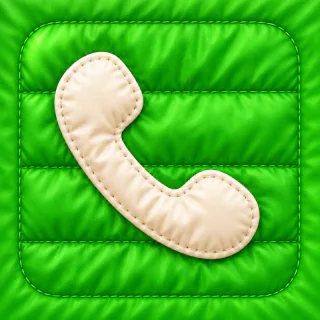
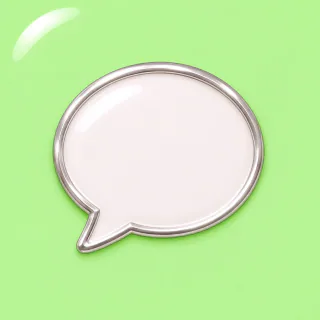
Move your mouse over the icons to look closer.Tap an icon to look closer.
Pay once. No subscription.
$9.99for 1
$14.99for 2 Save 25%
Yes. Signature themes keep familiar app colors and symbols. Preview the icons before you buy.
No. We make them for you. Each one comes ready with its app, name and icon. You just tap Add Shortcut.
No. Your apps stay installed. You can remove their original icons from the Home Screen. Apple’s instructions ↗
Just shortcuts, no settings or profiles. One per app you picked, and one per theme that places its icons.
So your theme’s Install shortcut can fetch your icons. It only downloads your theme’s pictures from iconsforApps, nothing else. Tap Allow.
Press ▶ on its Install shortcut. Everything you added the first time stays. Tap Allow when asked, then delete the old icons.
Anytime. Delete the themed icons from your Home Screen. Your original apps are untouched.
No. Your apps work as usual.
Notifications still arrive. Red notification badges won’t appear on themed icons.
No. Tapping a themed icon opens the app.
No. Themed icons open the app straight away, just like the originals.
No. Your icons are small pictures, and the shortcuts themselves take almost no space.
The top apps, yes. Themes include the apps people use most around the world, like Messages, WhatsApp, Instagram, YouTube and Spotify. See supported apps ›
Yes. No subscription. Each theme includes its icons, suggested background colors, and setup instructions.
They’re the project’s good-luck charms.